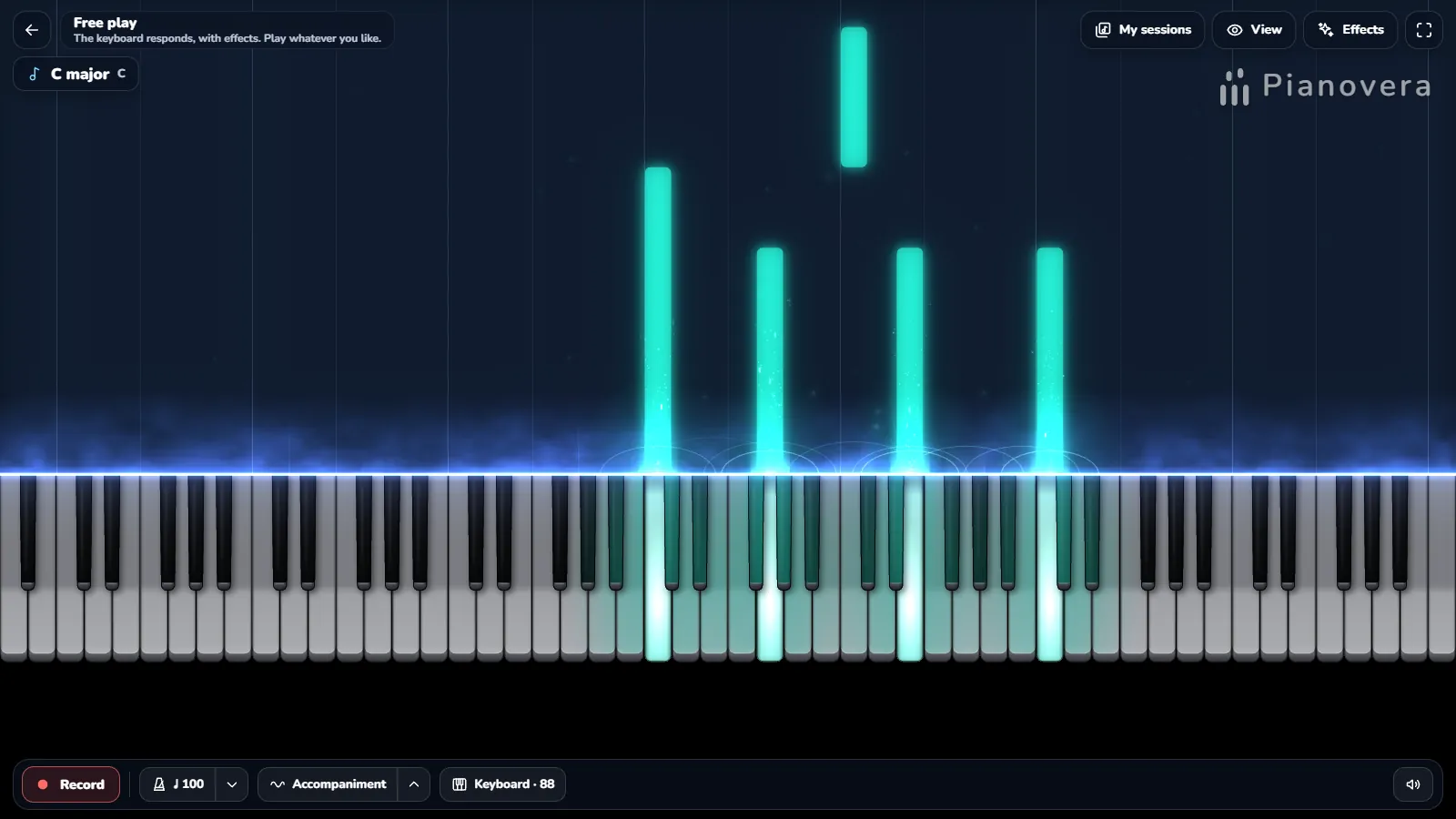
Connect a MIDI keyboard to the virtual piano
Got a MIDI keyboard gathering dust next to the laptop? Plug it in. The button above asks your browser for access, the keyboard shows up by name, and the virtual piano lights up under your fingers. You get an online MIDI piano with no software to install and nothing to set up.
- Connect it with its USB cable and switch it on.
- Press Connect MIDI keyboard above and answer yes to the browser’s question.
- Play. The name of your keyboard appears next to the button. A sustain pedal, if you have one, works too.
Safari and iPhones don’t let web pages talk to MIDI devices yet. That’s Apple’s call, not ours. You can still play the virtual piano with the keys on screen and your computer keyboard.
Nothing happens? Close any music software that keeps the keyboard to itself, unplug it, plug it back in, press the button again. That’s the usual fix. The page only listens: it never sends anything to your instrument, and nothing you play leaves your computer.
Play this online piano keyboard with your computer keyboard
No piano within reach? Your computer keyboard turns into a virtual piano keyboard, laid out like the real thing. The bottom row plays one octave, the row above it the next one, and the black notes sit on the number keys and the row in the middle. Space is the sustain pedal. The up and down arrows move everything by an octave.
The letters follow your keyboard layout (QWERTY, AZERTY, QWERTZ…) when your browser shares it. The keys sit at the same places on every layout: press PC keys under the piano to see your own letters on the keys. Typing letters from a QWERTY sheet on another keyboard? Choose QWERTY in the Layout menu under the piano: you then type the letters exactly as written.
Play songs on the virtual piano
Open the Songs menu under the piano and pick a tune. The notes drop toward the keys and the piano waits for you: press the key that glows (its letter is written on the note) and the next note comes down. It works with the mouse, your fingers, the computer keyboard or a MIDI keyboard.
Prefer to read the notes? Here are the letters to type, phrase by phrase. They follow your keyboard layout, like the keyboard map above, and the dark keys are the sharps. Your keyboard isn’t QWERTY? Choose QWERTY in the Layout menu under the piano and type the letters exactly as written.
Ode to Joy
EERTTREWQQWEEWWEERTTREWQQWEWQQ
Twinkle, Twinkle, Little Star
QQTTYYTRREEWWQTTRREEWTTRREEWQQTTYYTRREEWWQ
Frère Jacques
QWEQQWEQERTERTTYTREQTYTREQQBQQBQ
Happy Birthday
TTYTIUTTYTOITT]PIUY[[PIOI
Jingle Bells
EEEEEEETQWERRRRREEEEWWEWTEEEEEEETQWERRRRREEETTRWQ
Silent Night
TYTETYTEOOUIITYYIUYTYTEYYIUYTYTEOO[OUIPITETRWQ
Für Elise
P0P0PUOIYQEYUE6UIEP0P0PUOIYQEYUEIUY
All seven tunes are in the public domain. For more, the Pianovera app ships with 651 pieces, and we keep a library of free MIDI files with sheet music online.
Pieces to play on the virtual piano
All 55 pieces from our MIDI library play here too. Press ▶ and the piece opens in the piano above, in guided mode, with the letters on the notes. The title leads to its page, with the MIDI file, the PDF sheet music and the start of the melody in computer keyboard letters.
Easy 21
- Gymnopédie No. 1Satie
- Prelude in C major BWV 846Bach
- Träumerei (Dreaming)Schumann
- Minuet in G major BWV Anh. 114Petzold
- Gnossienne No. 1Satie
- Prelude Op. 28 No. 4 in E minorChopin
- Scenes from Childhood No. 1Schumann
- Prelude Op. 28 No. 7 in A majorChopin
- Gymnopédie No. 2Satie
- Gymnopédie No. 3Satie
- Prelude Op. 28 No. 20 in C minorChopin
- Sonata K. 331 · Theme (Andante grazioso)Mozart
- Minuet in G minor BWV Anh. 115Petzold
- Musette in D major BWV Anh. 126Anonymous
- Arabesque Op. 100 No. 2Burgmüller
- Ballade Op. 100 No. 15Burgmüller
- Gnossienne No. 2Satie
- March of the Wooden SoldiersTchaikovsky
- Old French SongTchaikovsky
- The Blue Danube (main theme)Strauss
- The Happy Farmer (Album for the Young No. 10)Schumann
Intermediate 23
- Für EliseBeethoven
- Clair de Lune (Suite bergamasque)Debussy
- Turkish March (Rondo alla Turca)Mozart
- The EntertainerJoplin
- Sonata "Pathétique" · Adagio cantabileBeethoven
- Fantasia in D minor K. 397Mozart
- Consolation No. 3 in D-flatLiszt
- Raindrop Prelude Op. 28 No. 15Chopin
- Arabesque No. 1Debussy
- Sonata Facile K. 545 · 1st movementMozart
- Invention No. 1 BWV 772Bach
- Sonata "Pathétique" · RondoBeethoven
- Moment Musical No. 3 in F minorSchubert
- Waltz Op. 39 No. 15Brahms
- In the Hall of the Mountain KingGrieg
- Arabesque No. 2Debussy
- Pineapple RagJoplin
- Gnossienne No. 3Satie
- Prelude in C minor BWV 847Bach
- Invention No. 8 BWV 779Bach
- Prelude Op. 28 No. 6 in B minorChopin
- Peacherine RagJoplin
- Nocturne Op. 72 No. 1 in E minorChopin
Advanced 11
- Nocturne Op. 9 No. 2Chopin
- Sonata "Pathétique" · 1st movementBeethoven
- Maple Leaf RagJoplin
- Minute Waltz Op. 64 No. 1Chopin
- Fantaisie-Impromptu Op. 66Chopin
- Impromptu Op. 90 No. 3 in G-flatSchubert
- Military March No. 1Schubert
- Impromptu Op. 90 No. 4 in A-flatSchubert
- Magnetic RagJoplin
- Symphony No. 5 · 1st movement (piano)Beethoven
- Ballade No. 1 Op. 23 in G minorChopin
A virtual piano that sounds like a real grand
The sound comes from recordings of a real grand piano, played back note by note: softer or brighter depending on how hard you press. Press low on a key for a louder note, high on it for a gentler one. Hold the sustain and the notes ring on. A virtual piano with real recordings behind it sounds nothing like the synthesizer beep of most online piano keyboards.
This page uses a light version of the piano so it loads fast. The Pianovera app for Windows and Android plays a complete sampled grand, the Akai-Steinway III, with an adjustable room ambience, and its sound engine talks straight to your sound card, which usually answers a little sooner than a browser tab. If touch matters to you, that’s the one to use. And nothing beats real keys: the map shows where to find a free public piano near you.
Want the notes to fall toward the keys?
That’s what the app is for. Beyond the virtual piano on this page, Pianovera plays any MIDI file with falling notes, lights up the key to press and waits for you in its piano lessons, with 3D hands to show the fingering. On a computer, start with the falling notes software for Windows, or open the browser version of the app with nothing to install. We also keep a small library of free MIDI files with sheet music online: pick one, press play, watch.