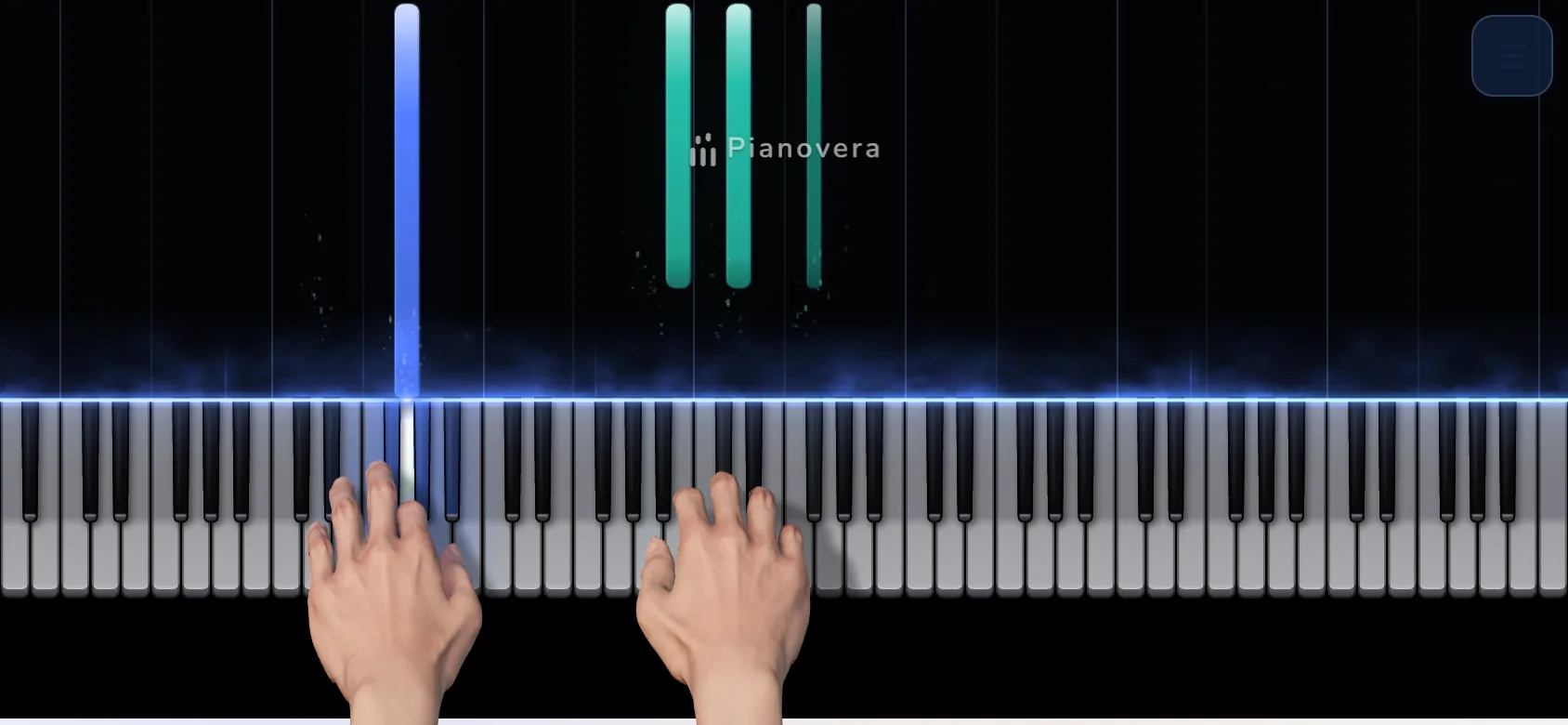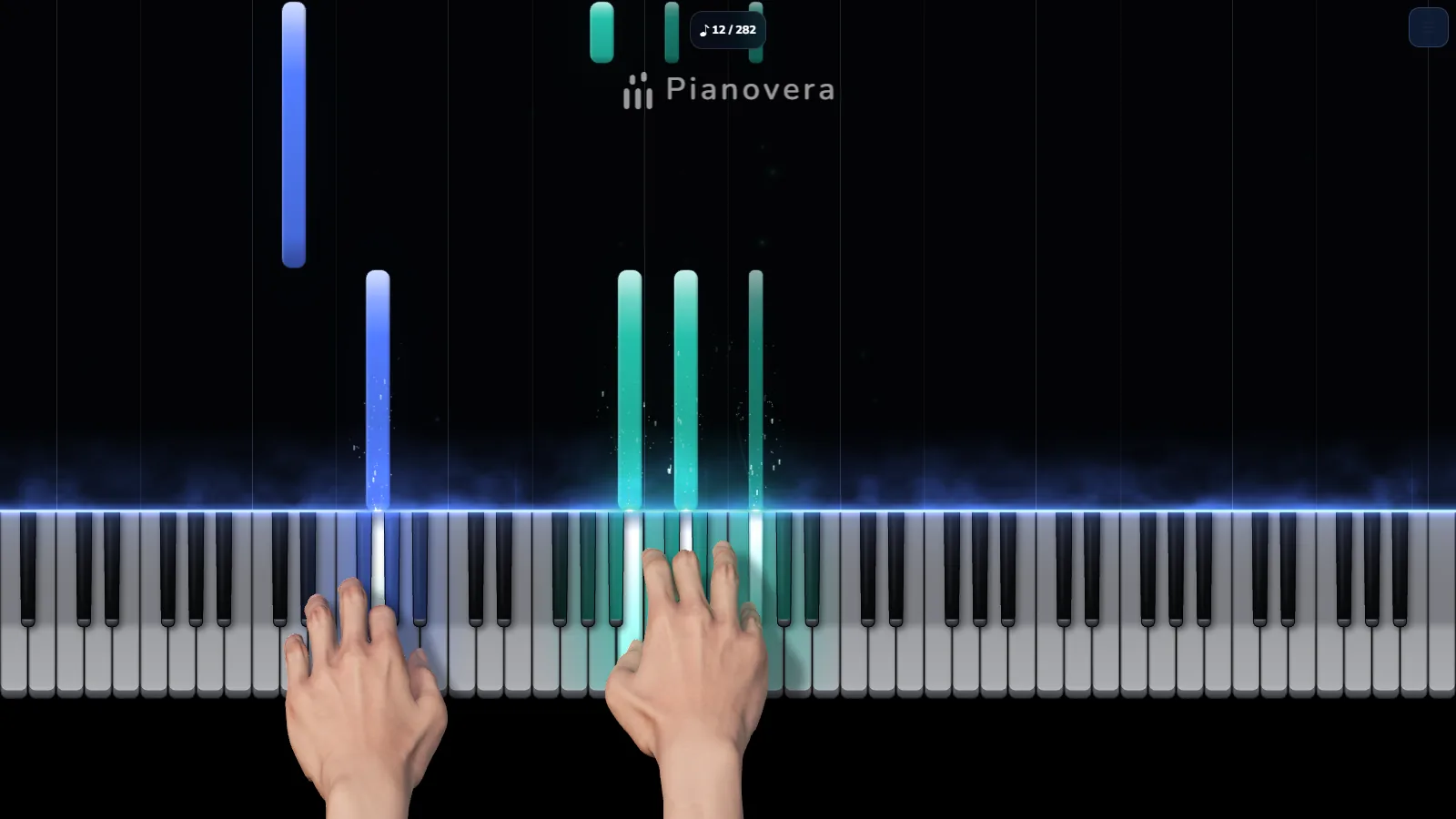
What you get in the browser
It is Pianovera in a tab, with the same pieces and the same lessons as on Windows and Android. You pick a piece out of 651, every note falls toward the key to press, and the app can wait for the right note before moving on. The 3D hands show which finger plays what, so you never have to guess the fingering.
Next to the pieces you get a lesson path for beginners, challenges, Note reading in 8 levels and Free play for playing whatever you like. Your own MIDI files open too, with the same falling notes.
To play yourself you have three options: the on-screen keyboard (mouse or finger), your computer keyboard, or a MIDI keyboard plugged in over USB. In the lessons and Note reading, the microphone can also listen to your acoustic piano. To play a few notes without a piece or a lesson, the virtual piano on this site opens even faster.
Free to play, an account only to buy
There is nothing to create to get started: open the app and play. The free version has no time limit. It includes 30 pieces (10 in full, 20 in a simplified version), the first 10 lessons and then one more for each token earned in the daily challenge, Note reading levels 1 and 2, 10 minutes of 3D hands on screen (then 15 seconds at the start of each piece) and 2 videos a week. Other pieces play as 15-second excerpts, you can open 3 MIDI files of your choice per week (30 seconds each), and a Pianovera watermark shows on screen.
Premium opens all 651 pieces in full, every lesson, every look and the study tools (loop, slow speeds, separate hands, fingering), with unlimited videos and no watermark. It costs €6.99 a month, €29.99 a year or €59.99 once. Payment goes through Lemon Squeezy (card or PayPal). That is the only moment you are asked to sign in with Google: your purchase is then linked to your account, and Premium also opens in the Windows and Android apps.
Browsers, MIDI keyboard and offline use
The app runs in a recent browser: Chrome, Edge or Firefox on a computer, Chrome on Android. Safari (Mac, iPhone, iPad) should work too, but we have not yet tried it with sound on real Apple devices: if something is wrong, write to us. A MIDI keyboard connects in Chrome, Edge, Opera and Firefox on a computer (the browser asks for permission when you press the button). Safari and iPhones cannot talk to MIDI keyboards yet, but the on-screen keyboard and your computer keyboard work. On a phone, turn the device sideways to play: if the screen does not rotate, auto-rotate is probably switched off, so turn it back on from your phone's quick settings.
The first load is about 3 MB. The 3D hands engine (about 12 MB) only loads when you open a piece, and it starts switched off on iPhone, on a device with little memory or on a slow network: one button turns it on. After a first visit the app can be added to your home screen and reopens without a connection. Your MIDI files and your progress stay in your browser.