Gymnopédie No. 1
Erik Satie
Download 55 piano MIDI files for free, no account or sign-up: Für Elise, Clair de Lune, the Gymnopédies, Joplin rags, Chopin, Bach. Every work is in the public domain, and each file comes from the Mutopia Project, a free music engraving effort. We opened every one of them in Pianovera before publishing: hands split, duration, pedal, nothing broken.
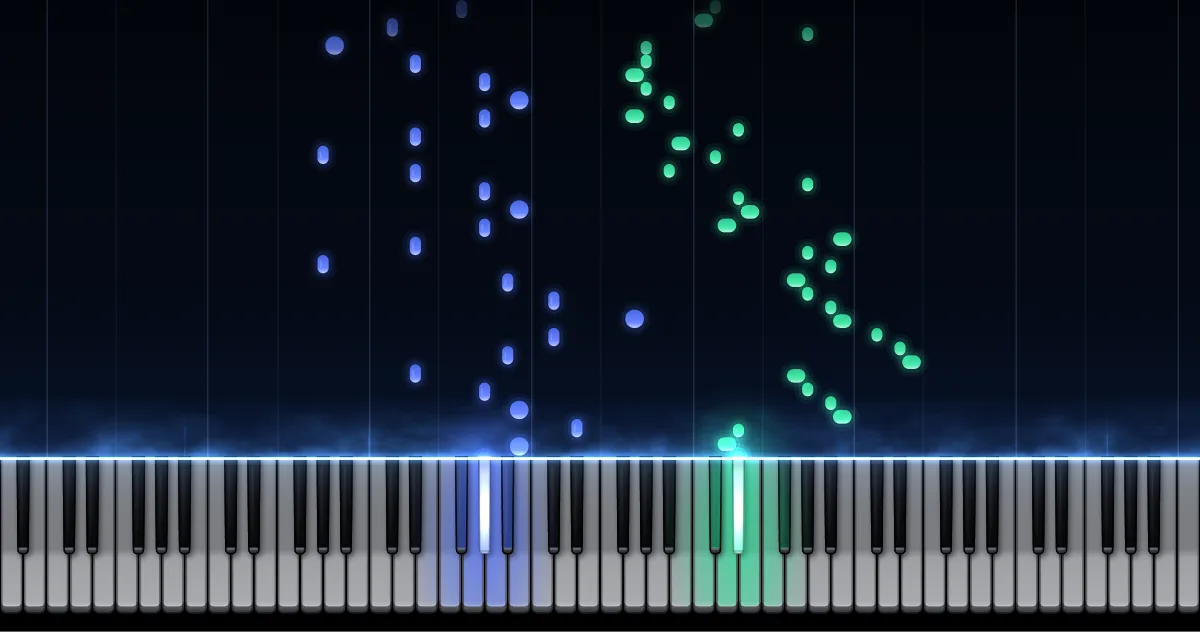
Each piece has its own page, with a preview you can play in the browser (notes falling toward the keyboard, with the app's piano sound) and the PDF sheet music from the same engraving. For many of them we also publish sheet music with our fingerings, free and ready to print.
No piece matches. Try a composer: Chopin, Bach, Satie, Debussy.
Short or slow pieces where the hand barely moves: the Minuet in G attributed to Bach, the Prelude in C BWV 846, Satie's Gymnopédies, Chopin's easier preludes, little pieces by Burgmüller and Tchaikovsky. To start, open them in Pianovera's Wait mode: the notes stop until you play the right key.
Erik Satie
Johann Sebastian Bach
Robert Schumann
Christian Petzold (attr. Bach)
Erik Satie
Frédéric Chopin
Robert Schumann
Frédéric Chopin
Erik Satie
Erik Satie
Frédéric Chopin
Wolfgang Amadeus Mozart
Christian Petzold (attr. Bach)
Anonymous (Anna Magdalena Bach notebook)
Friedrich Burgmüller
Friedrich Burgmüller
Erik Satie
Pyotr Ilyich Tchaikovsky
Pyotr Ilyich Tchaikovsky
Johann Strauss II
Robert Schumann
The classics everyone wants to play someday: Für Elise, Clair de Lune, the Turkish March, The Entertainer, Bach's Inventions. More notes, more hand movement, and often the pedal.
Ludwig van Beethoven
Claude Debussy
Wolfgang Amadeus Mozart
Scott Joplin
Ludwig van Beethoven
Wolfgang Amadeus Mozart
Franz Liszt
Frédéric Chopin
Claude Debussy
Wolfgang Amadeus Mozart
Johann Sebastian Bach
Ludwig van Beethoven
Franz Schubert
Johannes Brahms
Edvard Grieg
Claude Debussy
Scott Joplin
Erik Satie
Johann Sebastian Bach
Johann Sebastian Bach
Frédéric Chopin
Scott Joplin
Frédéric Chopin
For confident hands: Chopin's Nocturne Op. 9 No. 2, Fantaisie-Impromptu and Minute Waltz, Beethoven's Pathétique, Schubert's impromptus, Joplin rags. Speed, leaps and several voices at once.
Frédéric Chopin
Ludwig van Beethoven
Scott Joplin
Frédéric Chopin
Frédéric Chopin
Franz Schubert
Franz Schubert
Franz Schubert
Scott Joplin
Ludwig van Beethoven
Frédéric Chopin
One click on "MIDI": the .mid file is yours, no account.
Notes fall toward the keyboard, one color per hand.
Wait mode to learn, Studio (Windows) to export your video.
Completely. All 55 pieces are public domain works, and every file comes from the Mutopia Project under a free license: public domain for most, Creative Commons for a few, shown on the card and on the piece's page. Download them, play them, use them in your videos.
Start with the beginner section: 21 short or slow pieces such as the Minuet in G, Bach's Prelude in C or Gymnopédie No. 1. Open them in Pianovera's Wait mode: the notes stop until you play the right key, then move on.
Yes. Every page has a preview you can play right in the browser: the notes fall toward the keyboard, just like in Pianovera, using a lightweight version of the same piano sound. And if you read music, the PDF sheet music from the same engraving sits next to the MIDI file.
A MIDI file holds no audio, only the notes: you need software to play them. In Pianovera for Windows you drop the file into the window and the notes fall toward the keyboard, ready to hear or to learn. With nothing to install, the Pianovera web app opens them in your browser. Any sequencer or MIDI player works too.
Yes. These are standard MIDI files (format 0 or 1). Plug your keyboard into Pianovera, pick Wait mode, and the piece advances at whatever pace you play the right notes. To check first that your keyboard responds, try it on our online virtual piano.
Because it's clean: the composers died more than 70 years ago, their works belong to everyone. No grey areas, no surprise takedowns, and you can publish your covers without worrying about composition rights.
The Windows version won’t run on a phone.
Get the Android appFree on Google Play, with no time limit.
Play in your browser